
September 15, 202636
Coarobo GK to Exhibit at ATR Open House 2026 for the First Time as a Tenant of ATR Unicorn
- exhibition booth
- joint program
- robot teleoperation
- open source

02Immersive XR Teleoperation
Walk around your robot, bring its digital twin on site, or step into its simulation, free of the limits of body and space.
Let's discuss a pilot deployment on your robots.
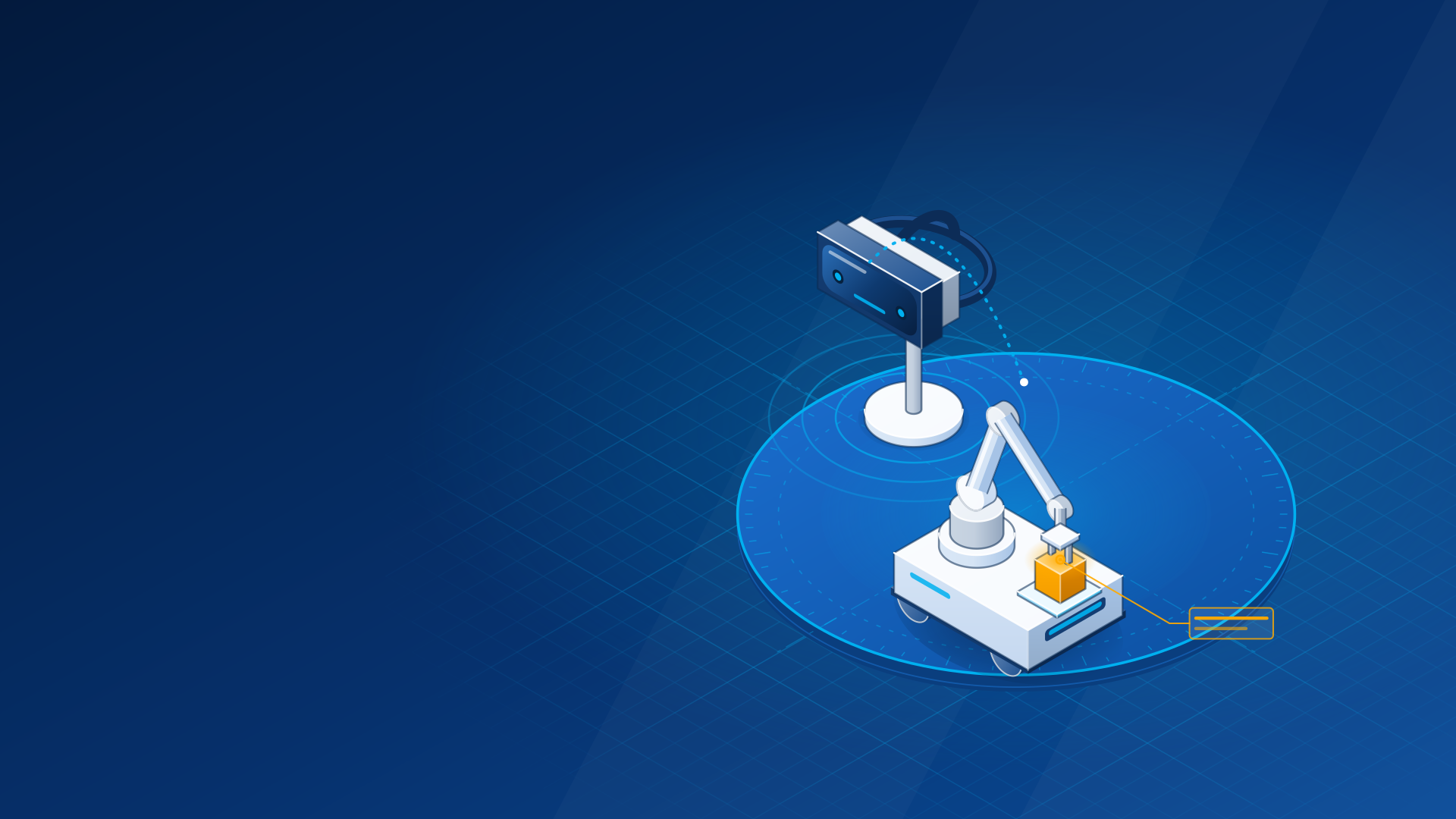
Coarobo Sightline is an extended reality (XR) interface that moves people and robots between the real site and the cyberspace of the robot, across the whole span from reality to virtual reality, so operators observe and teleoperate any robot from inside its workspace or from afar.
Third-Person View
Operators walk around the robot and guide it from any side, rather than through its camera as in the usual first-person teleoperation.
Hybrid Simulation
The digital twin of the robot comes out of its simulation onto the real site, beside the real hardware of the line, for a dry run of each task before the real robot moves.
Three Control Schemes
Operators guide the arm with two devices, the motion controllers, one device, a stylus, or zero devices, their bare hands, and pick the one that suits each task.
Hold a controller in each hand, grab the gripper hologram with a trigger, and the arm follows it live or moves to it along a planned path.
Hold a stylus like a pen in one hand and touch the hologram to guide it with the precision of handwriting.
Pinch the hologram with a bare hand and move it, with nothing to hold, and a second pinch opens or closes the gripper.
Rehearse the next task on the digital twin beside the real robot, on site, then deploy the real robot to repeat it.
Move along the whole reality-virtuality continuum, on site next to the robot from reality to augmented virtuality, or from afar in virtual reality.
The real site only, next to the robot.
The robot and its sensor data over the real room, on site.
On site, the data of the robot in an abstract virtual space that mimics the real room.
Fully virtual, to operate a real robot from afar or to enter the simulation of a robot.
The robot model, point clouds, laser scans, maps, markers, and camera images appear at true scale where they belong.
Step into the simulation of the robot to spot its problems early, such as while fine-tuning a policy or training it with reinforcement learning.
Reality, augmented reality, and augmented virtuality on site, and virtual reality from afar, all in one application.
A robot camera, a mini map, a robot preview, and a control guide stay in view while the operator works.
One application drives each robot that has a profile, on ROS 1 or ROS 2, and switches robots while it runs.
Built on the OpenXR standard rather than the toolkit of one vendor, it is not tied to a single headset.
Robotics research teams and R&D departments working on manipulation and physical AI.
They step into the simulation of the robot to spot problems early while fine-tuning a policy or training it with reinforcement learning, and try grasps and poses by hand without writing code.
System integrators setting up a robot cell at a client site.
They bring the digital twin beside the real hardware of the line for a dry run of each task before the real robot moves, and check what its sensors cover.
Universities, training centers, and showrooms that introduce people to robots.
Newcomers practice on a simulated robot in virtual spaces such as a store or a hospital room before the real one, and visitors try teleoperation for themselves.
Let's discuss a pilot deployment on your robots.
Follow an assembly task in which an operator guides a robot arm with two controllers, one stylus, or no device, walks around it, and tests the next step on its digital twin before the real robot moves, in one minute.
Read the announcement of Coarobo Sightline of July 27, 2026.
Operators guide the robot in a third-person view, walking around it rather than looking through its camera. They move along the whole span from reality to virtual reality, on site or from afar, and they switch among three control schemes, two devices, one device, or zero devices.
Hybrid simulation brings the digital twin of the robot out of its simulation onto the real site, beside the real hardware of the production line. Operators rehearse each task on the twin as a dry run, then deploy the real robot to repeat it.
Yes, in virtual reality people step into the cyberspace of the robot, its simulation, to spot problems early, such as while fine-tuning a policy or training it with reinforcement learning. Newcomers also practice there before working with the real robot.
Yes, virtual reality lets operators control a real robot from afar with its perception around them, while reality, augmented reality, and augmented virtuality serve on site, next to the robot.
Sightline works with a robot on ROS 1 or ROS 2 that runs rosbridge, once Coarobo prepares a profile of the robot, and it is validated on the UR5e and the Fetch.
Sightline runs on a standalone OpenXR headset with passthrough, and the headset family validated today appears under Works With.
Write to us about your robot and your goal, and Coarobo prepares the profile of your robot, installs Sightline on your headset, and sets it up for your robot.
Viewport shows the data of a robot in a web browser, while Sightline lays the robot and its sensor data over the real room in a headset, so operators observe and teleoperate it from inside its workspace.
Coarobo Sightline is part of the Coarobo suite, one family of products made to work together around our open-source core.
 Coarobo SightlineImmersive XR TeleoperationThis Product